There is a file on a promoter's desktop right now called Timetable_FINAL_v3_updated_TM-comments.xlsx. It was updated last Wednesday. It is no longer accurate. But somewhere else, a driver is planning tomorrow's transfers from a screenshot of it.
This is normal. This is also completely avoidable.
The version problem is not a naming problem
Every event professional has, at some point, tried to solve the version problem with better filenames. Timestamps in the title. Colour-coded folders. A convention where FINAL means something. It never works, for the simple reason that a schedule is not the kind of thing a filename can describe.
A schedule is a state. A file is a snapshot. Sending a snapshot to twenty people freezes twenty different versions of reality at twenty different moments. When reality moves — and it will — none of those snapshots move with it.
The only sustainable answer to the version problem is to stop shipping snapshots.
Where the 15 versions come from
A schedule usually starts life as a single file. It becomes 15 files through a predictable sequence.
- The initial send. A PDF goes to the artist team, the venue, hospitality, security, transport and the caterers.
- The first change. A soundcheck slot shifts. The tour manager updates the PDF and re-sends. Now there are two versions in the wild — the old one is still on inboxes and desktops.
- The parallel edit. The hospitality lead has already started marking their own copy in Excel. They send the Excel back with additions. Now there are three formats.
- The messaging screenshot. Someone screenshots the schedule and shares it in WhatsApp. Now there is an image of a schedule circulating in the group.
- The re-forward. A driver forwards the screenshot to a colleague. The colleague builds a plan around it.
- The correction. The tour manager sends FINAL_v3. Half the team opens it. Half do not.
- The fossilised print. Someone prints v2 for the security briefing. That printout survives on a clipboard until the end of the event.
By step seven, the phrase "the schedule" no longer has a stable referent.
When you send a file, you send a fossil. Reality keeps moving; the fossil does not.
The real cost of version drift
Version drift is one of those problems that never appears on a P&L. Its costs are absorbed silently.
- Hours per week reconciling. Tour managers, event coordinators and production leads spend a shocking amount of their time answering "is this the current version?"
- Wrong-place, wrong-time errors. A driver waits at Gate B while the artist is escorted to Gate C, because two different PDFs specified two different gates.
- Cross-team blame. Whoever is holding the older version is "wrong." It becomes personal. It should not be personal.
- Overcommunication as insurance. Teams start CCing everyone on everything, because they no longer trust that the right people saw the right version. This makes reading emails a full-time job.
- Decision paralysis. Nobody wants to act on an itinerary until they are sure. Certainty never comes.
A senior touring coordinator told us she once counted 27 distinct versions of a single festival day timetable circulating across WhatsApp, email and Google Drive. Nobody had done anything wrong. The system produced the outcome.
What a live itinerary looks like
A live itinerary is not a fancy PDF. It is a different category of thing. A few characteristics distinguish it.
One address, always current. Every stakeholder opens the same link. What they see is what is true right now. There is no sending.
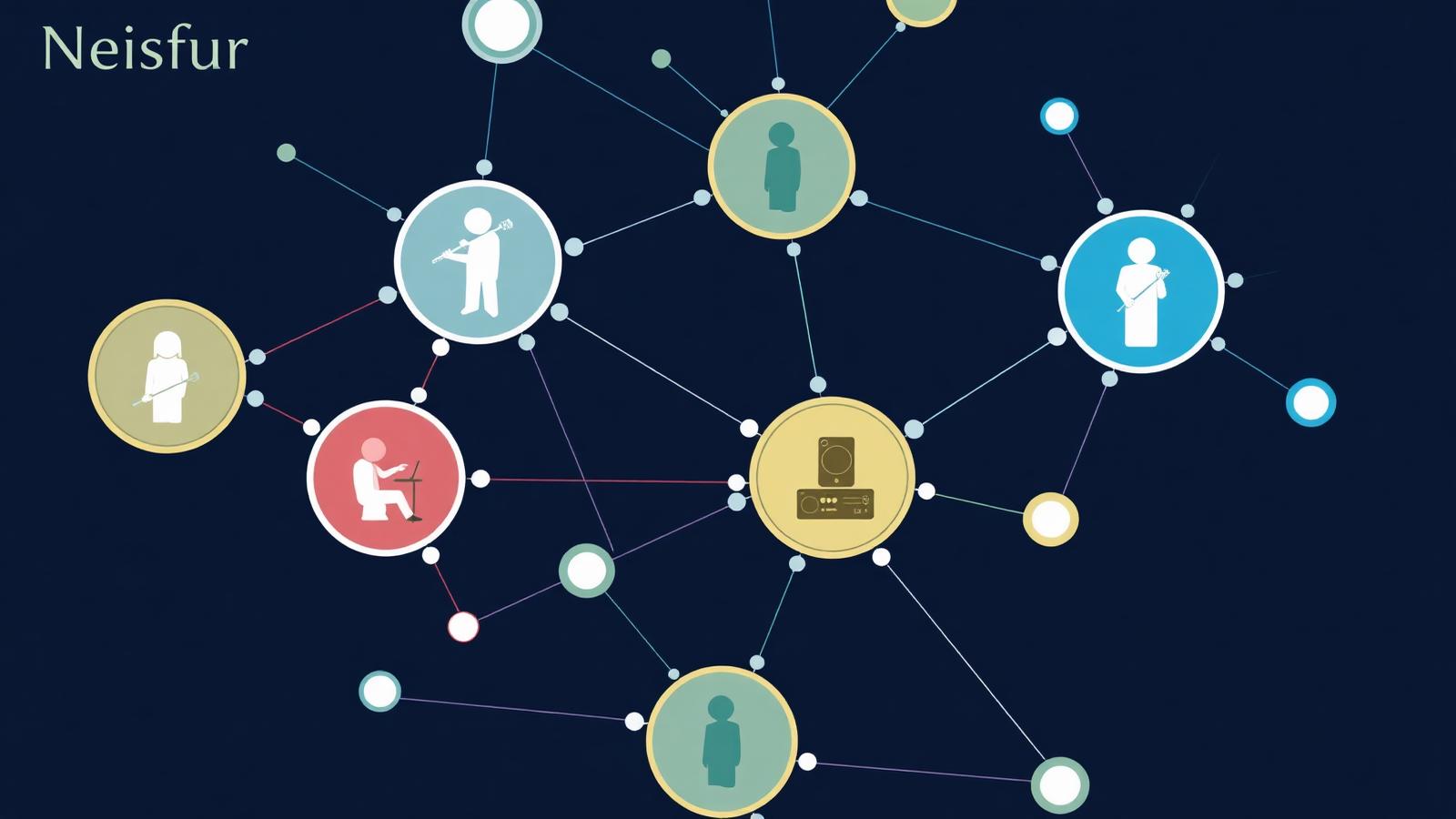
Role-based visibility. The driver sees the transfer list. The venue sees the load-in windows. The artist sees their own personalised schedule. Nobody scrolls past information that is not for them.
A change log per line. "Airport pickup moved from 14:00 to 14:35 by Anna at 09:12, reason: flight update." History is native, not reconstructed.
Notifications, not attachments. When a change matters to you, you receive a notification. Not a new PDF. Not a re-forwarded thread. Just: this changed.
Print snapshots on demand. Some people will always want paper. A live itinerary can print a timestamped snapshot for a briefing without pretending the paper is the truth.
The behaviours that change
Teams who move to live itineraries describe the same behavioural shifts.
- The phrase "do you have the latest?" disappears within two weeks.
- CC lists shrink dramatically. Nobody defensively includes everyone anymore.
- Meetings shorten, because everyone arrives with the same picture.
- The tour manager or event coordinator finally reclaims the hours they used to spend reconciling.
- Trust with external partners deepens, because the partners can now check the itinerary themselves instead of waiting.
The fifteen-versions problem does not shrink to five. It goes to one.
Practical migration path
Most teams cannot move to a live itinerary overnight, but three steps make the shift practical.
- Pick your next single event and pilot. Not a whole season. One event. Measure how many PDF versions did not get sent.
- Announce a single link to all stakeholders on day one. "For this event, this link is the schedule. If you print, print from here. If you screenshot, screenshot from here."
- Refuse to re-issue PDFs. When a partner asks for a new PDF, resend the same link. Politely. Consistently. The habit breaks within two events.
The strategic value
Events are increasingly competing on operational reliability. Artists talk. Venues talk. Agencies remember which coordinators run calm, coherent operations and which ones firefight through the weekend. A team that eliminated version drift looks — and is — more professional than a team that manages 15 PDFs with heroic energy.
Professionalism is not the appearance of order. It is the actual state of the system.
Where Startion fits
Startion's Eventiner workflow app is a live itinerary environment for the event industry. Every stakeholder — artist team, driver, venue, hospitality, production, security — opens the same address and sees the version of the schedule that is filtered for their role, updated in real time, with a full change history and a print-on-demand snapshot when paper is genuinely required.
It does not ban PDFs. It makes them unnecessary.
The next time you catch yourself typing FINAL_v3_updated into a filename, notice it. That filename is a symptom of a workflow that outgrew its tools. There is a way out.